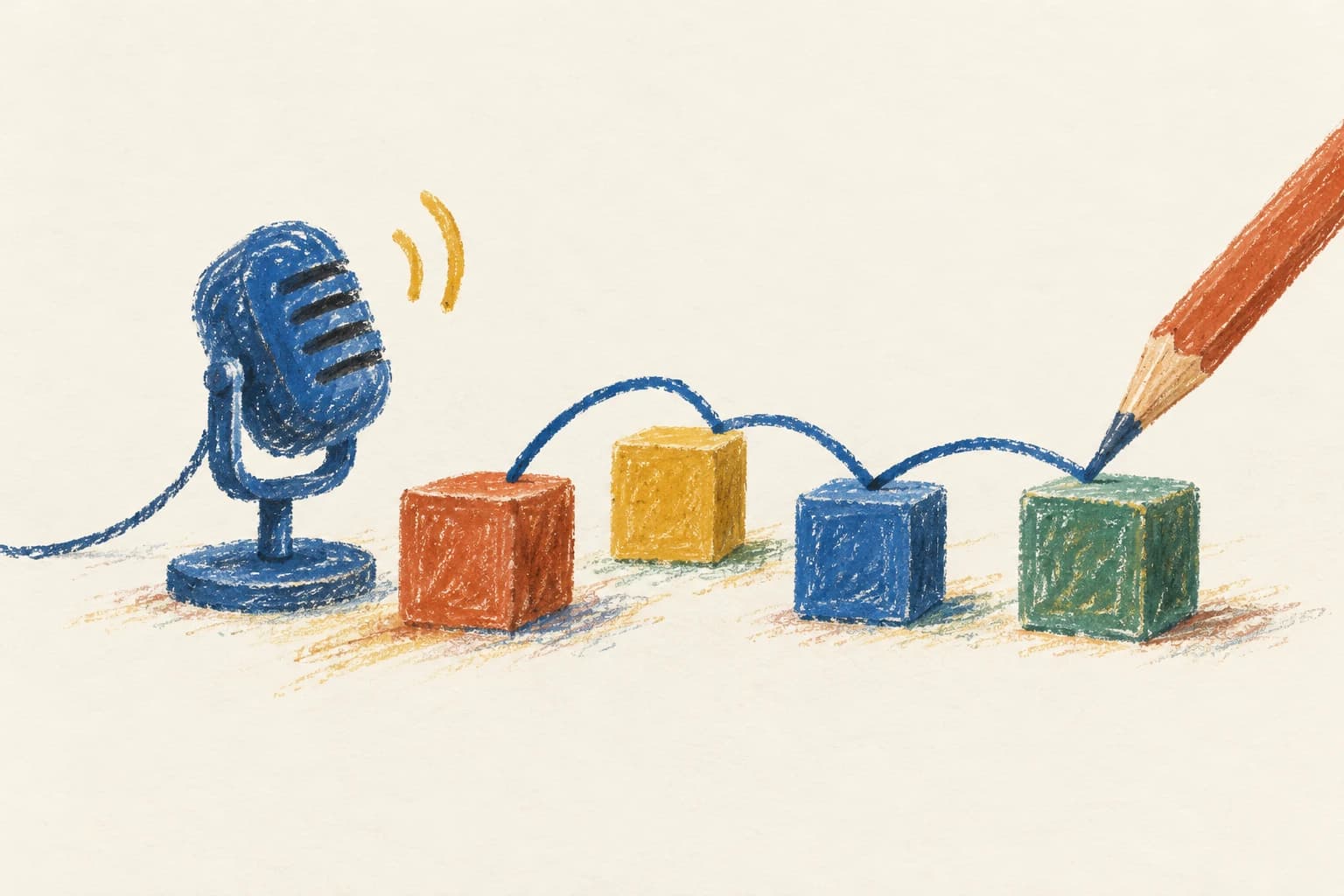
Grind gives you a way to practise explaining a system design and improve it during the same attempt. Describe your decisions, build an editable diagram with spoken instructions, and check each step before continuing.
If you are comparing it with Exponent, that product is now called Aced. It offers courses, peer interviews, and AI mocks. The practical question is how you want to spend your next session. Grind keeps the work focused on attempting a design, explaining why it works, and revising what you missed.
This comparison is published by Grind. Aced descriptions come from its official public pages, checked on October 25, 2026.
How a Grind attempt works
In Grind, pick a question, then work through requirements, core entities, APIs, high-level design, and deep dives. Some questions add a data-flow step. You can answer by voice, typed commands, or direct editing.
During design steps, spoken instructions change an editable diagram. You check a step when ready, read what your design covered and missed against the question's criteria, and can revise before continuing. You can ask for a hint at any step. Finishing the attempt gives you overall feedback and opens the question's example design.
The rate-limiter question is a concrete test. Say what is limited and which bursts are acceptable. Draw where the check runs and where shared counters live. Then explain how two API servers avoid both accepting a request against the same last token.
If you can name an atomic operation but cannot explain what it protects, stop there and fix that reasoning before adding more infrastructure.
Grind's guided format lets you work through that reasoning with hints when you need them and feedback when you are ready to check.
What Aced offers for system-design preparation
Aced's System Design Interviews course includes video examples, written breakdowns, architectural patterns, and interactive exercises. Its curriculum groups problems by concerns such as read-heavy systems, asynchronous jobs, transactional systems, and collaborative systems.
That grouping can help when your knowledge is uneven. If every design turns into a collection of familiar components, study a pattern and find the constraint that makes it useful. A queue changes when work happens. You still have to explain durability, retries, and how users see progress.
Watching an example can also show you how an explanation is put together. Follow it with a closed-book attempt, so you can tell which decisions you understand and which sentences you only remember.
Grind focuses on system-design interview practice. Bring a pattern you have studied into an attempt, explain why it fits the requirements, and use the step feedback to check your design.
Aced's peer interviews add another person's questions
On its practice page, Aced describes scheduled, reciprocal peer mocks, including system design. Participants take turns as interviewer and candidate and exchange feedback.
A peer can tell you how your explanation came across. They may ask why a write can be acknowledged before replication, or point to an arrow whose meaning you assumed was obvious.
Playing the interviewer helps too. When someone else says "the cache handles scale," you have to decide what to ask next. That shows how little a component label tells you without a request flow and a stated guarantee.
Peer sessions involve scheduling and taking a turn as interviewer. Grind's solo workflow lets you work on a question when you are ready, including revisiting an incomplete API or requirement during the attempt.
Get feedback while you work through the design
In Grind, each check gives you feedback on the current step. You can correct a missing requirement or revise a request path before you continue, while you are still working through that decision.
Aced's AI mock-interview page describes audio conversations, transcription, and feedback after the session, including system-design interviews.
For your Grind attempt, keep track of the decision you changed after feedback. Explain the corrected request path again so you can check that you understand the change.
A practical choice for your next session
Start with Grind when you want to turn system-design knowledge into an explanation you can give in an interview. Work through a question by speaking, inspect the diagram, and use the checks to revise your decisions. Aced's courses and mock interviews cover other preparation formats; Grind gives you guided design practice you can return to between study sessions and interviews.
Reading Grind questions and articles does not require an account. Starting an attempt does. A Free account gets one free question, ever, from the offered junior or mid-level options; further practice requires Lycana Pro. Check current Lycana plans and Aced's current plans for access details.
For a first exercise, open Design a URL shortener, close any reference answer, and explain the complete redirect path aloud. After checking and revising the design, explain it again with the cache unavailable. Update the diagram to show how requests reach storage and what protects the database from excess traffic.